
In 2026, productivity for small businesses is no longer about squeezing more hours out of the workday. It is about building systems that reduce friction, eliminate repetition, and allow small teams to operate with the clarity and efficiency of much larger organizations. The most successful small businesses are not using more tools—they are using the right tools in the right roles.
A modern productivity stack should help a business think clearly, execute consistently, communicate efficiently, automate repetitive work, and distribute content without constant manual effort. The six tools below work together to create exactly that outcome.
1. Notion — The Central Brain of the Business
Website: https://www.notion.com/pricing
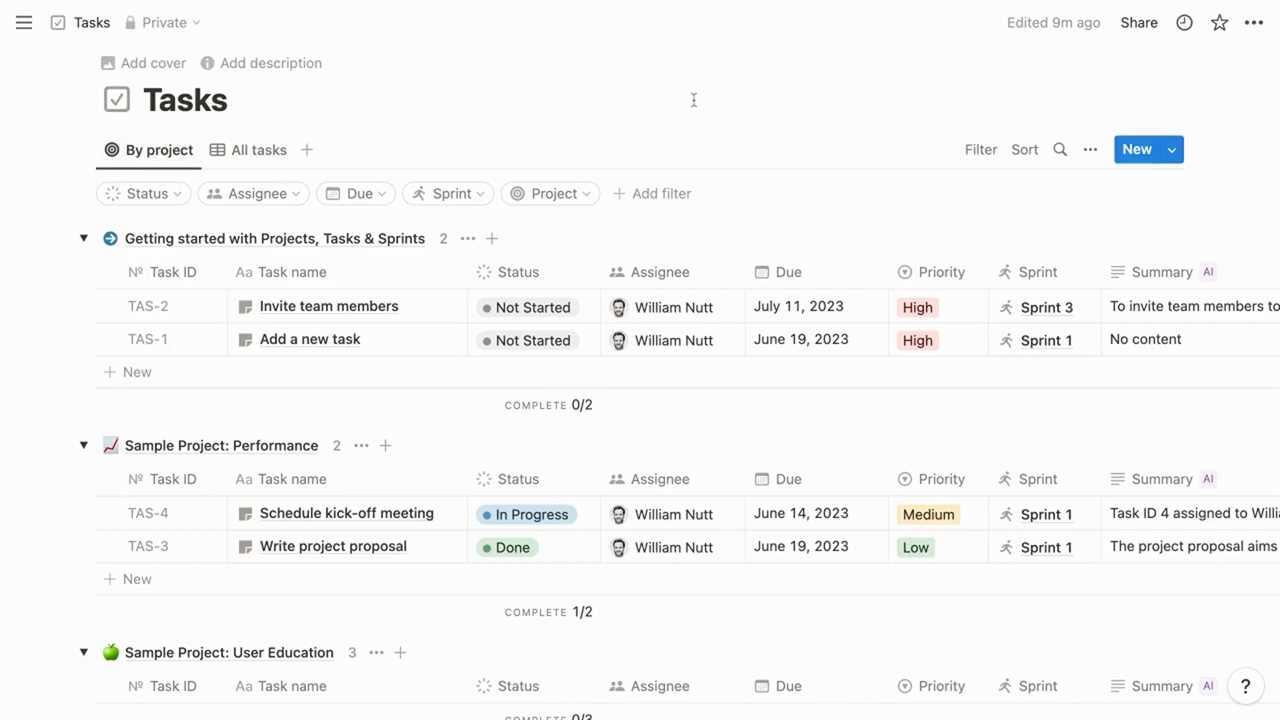
Notion serves as the central knowledge system for a small business. Instead of storing information across disconnected folders, emails, and chat messages, Notion provides a unified workspace where documentation, processes, and internal knowledge live together.
For small businesses, the real productivity gain comes from documentation and reuse. When procedures, policies, and workflows are written down once and reused consistently, teams stop wasting time reinventing the wheel. This is especially important in 2026, where contractors, virtual assistants, and AI-supported workflows are common.
Notion allows businesses to create structured systems such as company wikis, onboarding portals, SOP libraries, content calendars, and client dashboards. Everything is searchable, linkable, and customizable. As the business evolves, the documentation evolves with it, rather than becoming outdated PDFs no one checks.
Small businesses benefit from Notion in several key ways. First, onboarding becomes faster and more reliable because new hires or contractors can self-serve information. Second, quality improves because tasks are executed using templates instead of memory. Third, owners gain peace of mind knowing that the business is not dependent on one person holding all the knowledge.
Typical small-business use cases include:
- Employee and contractor onboarding hubs
- Standard operating procedure libraries
- Client dashboards with deliverables and timelines
- Editorial calendars and content workflows
- Meeting notes connected to actual tasks
Pricing (approximate):
- Free plan available
- Plus: ~$10 per user/month (annual billing)
- Business: ~$20 per user/month (annual billing)
Notion Labs, Inc. (2025). Notion pricing. https://www.notion.com/pricing
2. Asana — Project and Task Management with Accountability
Website: https://asana.com/pricing
Asana addresses one of the most costly productivity problems in small businesses: unclear ownership of work. When tasks live in emails or informal conversations, deadlines slip and accountability disappears. Asana replaces that ambiguity with structure.
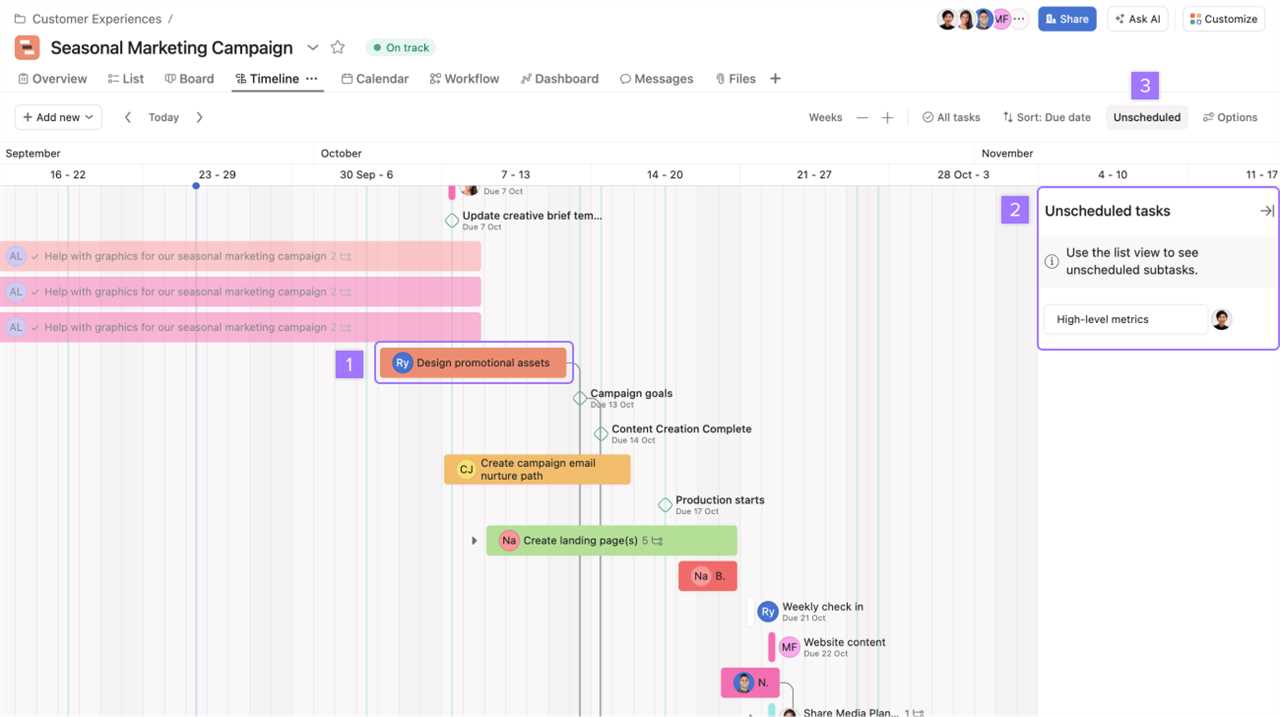
Every task in Asana has an owner, a deadline, and a clear status. This alone dramatically reduces missed deliverables and last-minute emergencies. For business owners, Asana provides visibility without micromanagement. For team members, it provides clarity about priorities and expectations.
Asana also enables small businesses to standardize how work flows through the organization. Client onboarding, content production, marketing campaigns, and internal operations can all be templated and reused. This consistency allows teams to move faster while maintaining quality.
As a business grows, Asana scales with it. What starts as a simple task list can evolve into timelines with dependencies, workload tracking, and automation—without changing platforms.
How small businesses benefit from Asana:
- Clear ownership and responsibility for tasks
- Reduced need for status meetings
- Predictable execution of repeatable workflows
- Visibility across clients, projects, and teams
Pricing (approximate):
- Personal: Free
- Starter: ~$10.99 per user/month (annual billing)
- Advanced: ~$24.99 per user/month (annual billing)
Asana, Inc. (2025). Asana pricing. https://asana.com/pricing
3. Google Workspace — The Operational Foundation

Website: https://workspace.google.com/pricing
Google Workspace remains essential in 2026 because it handles the core operational needs of a small business: email, documents, spreadsheets, file storage, calendars, and video meetings. While it may feel basic, it quietly eliminates daily friction that drains productivity.
The biggest advantage for small businesses is real-time collaboration. Multiple people can work on the same document or spreadsheet simultaneously, see updates instantly, and communicate through comments. This removes version confusion and speeds up decision-making.
Workspace also supports professionalism and security. Custom domain email addresses, access-controlled shared drives, and centralized administration help businesses appear credible while protecting sensitive information.
Key productivity benefits:
- Professional email using a custom domain
- Real-time document collaboration
- Centralized cloud storage with permissions
- Integrated scheduling and video meetings
Pricing (approximate, annual plans):
- Business Starter: ~$7 per user/month
- Business Standard: ~$14 per user/month
- Business Plus: ~$22 per user/month
Google LLC. (2025). Google Workspace pricing. https://workspace.google.com/pricing
4. Slack — Structured Communication That Replaces Internal Email
Website: https://slack.com/pricing
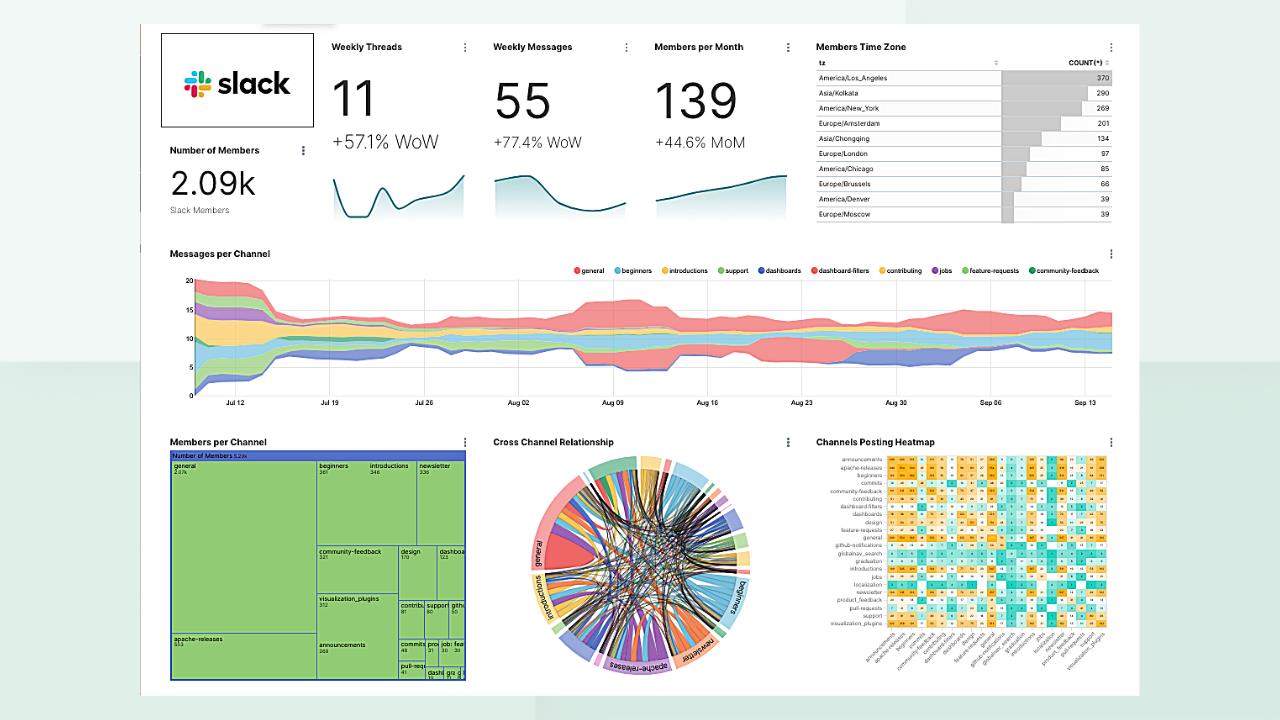
Slack is the communication layer that keeps small businesses moving quickly without confusion. Internal email is slow, cluttered, and difficult to search. Slack replaces it with organized channels, threads, and integrations that keep conversations contextual.
When communication is structured by topic, project, or client, teams spend less time searching for information and more time acting on it. Slack also creates a searchable record of decisions, reducing repeated questions and misunderstandings.
Used correctly, Slack reduces meetings, shortens feedback loops, and improves alignment across distributed teams. It becomes the place where work-related conversations happen in real time, without overwhelming inboxes.
Why Slack improves productivity for small businesses:
- Faster internal communication
- Searchable conversation history
- Clear separation of topics via channels
- Integrations with task and automation tools
Pricing (approximate):
- Free plan available
- Pro: ~$7.25 per user/month (annual billing)
- Business+: ~$15 per user/month (annual billing)
5. Zapier — Automation That Eliminates Repetitive Work
Website: https://zapier.com/pricing
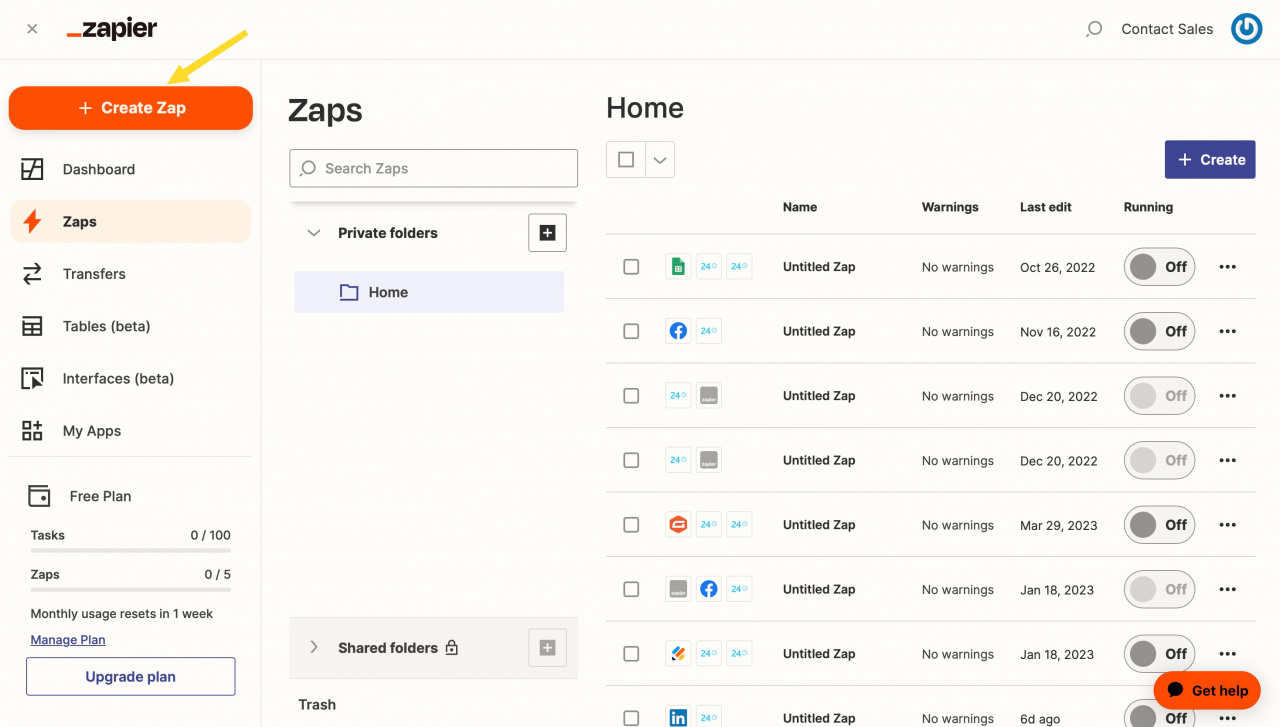
Zapier connects apps and automates repetitive tasks that quietly consume hours every week. For small businesses, this is one of the highest-return productivity investments available.
Instead of manually copying data between tools, Zapier allows workflows to run automatically in the background. A form submission can trigger a task, send a notification, update a spreadsheet, and email a confirmation—all without human intervention.
Automation reduces errors, speeds up response times, and allows small teams to scale without adding administrative staff. In 2026, businesses that fail to automate routine processes are at a competitive disadvantage.
High-impact automation examples:
- Website form → CRM or spreadsheet entry
- New client → project creation with task checklist
- Payment received → internal notification and record update
- Content published → cross-platform distribution triggers
Pricing (approximate):
- Free: limited tasks per month
- Professional: ~$19.99/month (annual billing)
- Team: ~$69/month (annual billing)
6. RSSMasher — Content Aggregation and Distribution at Scale
Website: https://www.rssmasher.com
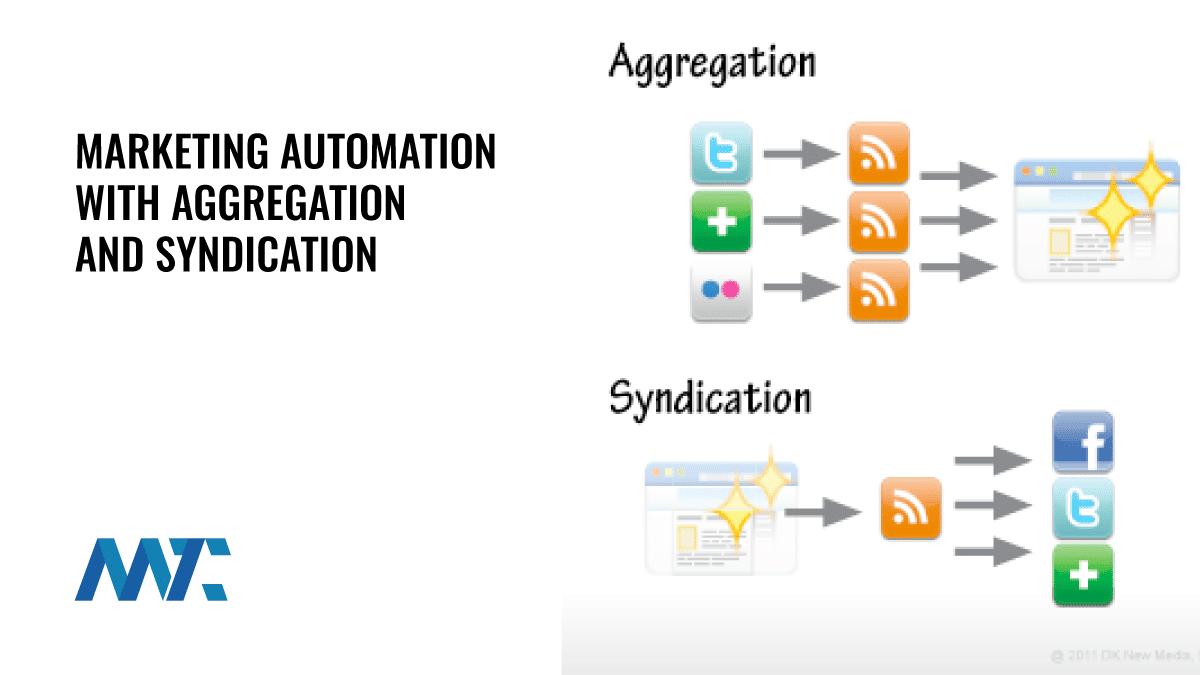
RSSMasher addresses a productivity problem many small businesses overlook: content leverage. Creating content requires time, expertise, and money. Distributing that content consistently across platforms often requires even more effort. RSSMasher automates this process.
By aggregating RSS feeds and syndicating content automatically, RSSMasher allows businesses to maintain an active presence across blogs, Web 2.0 properties, and content networks without manual posting. This is especially valuable for SEO, brand authority, and topical relevance in 2026.
For small businesses focused on content marketing, RSSMasher ensures that every piece of content works harder. Instead of publishing once and moving on, content is continuously repurposed and distributed according to predefined rules.
Productivity benefits for small businesses:
- Automated content distribution
- Consistent publishing schedules
- Improved topical authority signals
- Better ROI from existing content assets
Pricing:
- Subscription-based (varies by plan and usage)
Final Note
When combined, these six tools create a productivity ecosystem where information flows smoothly, work is clearly owned, communication is structured, automation removes friction, and content scales without added labor. This is how small businesses compete effectively in 2026—by building systems that work even when people are busy.