Ever wish a piece of software would just leave you alone?
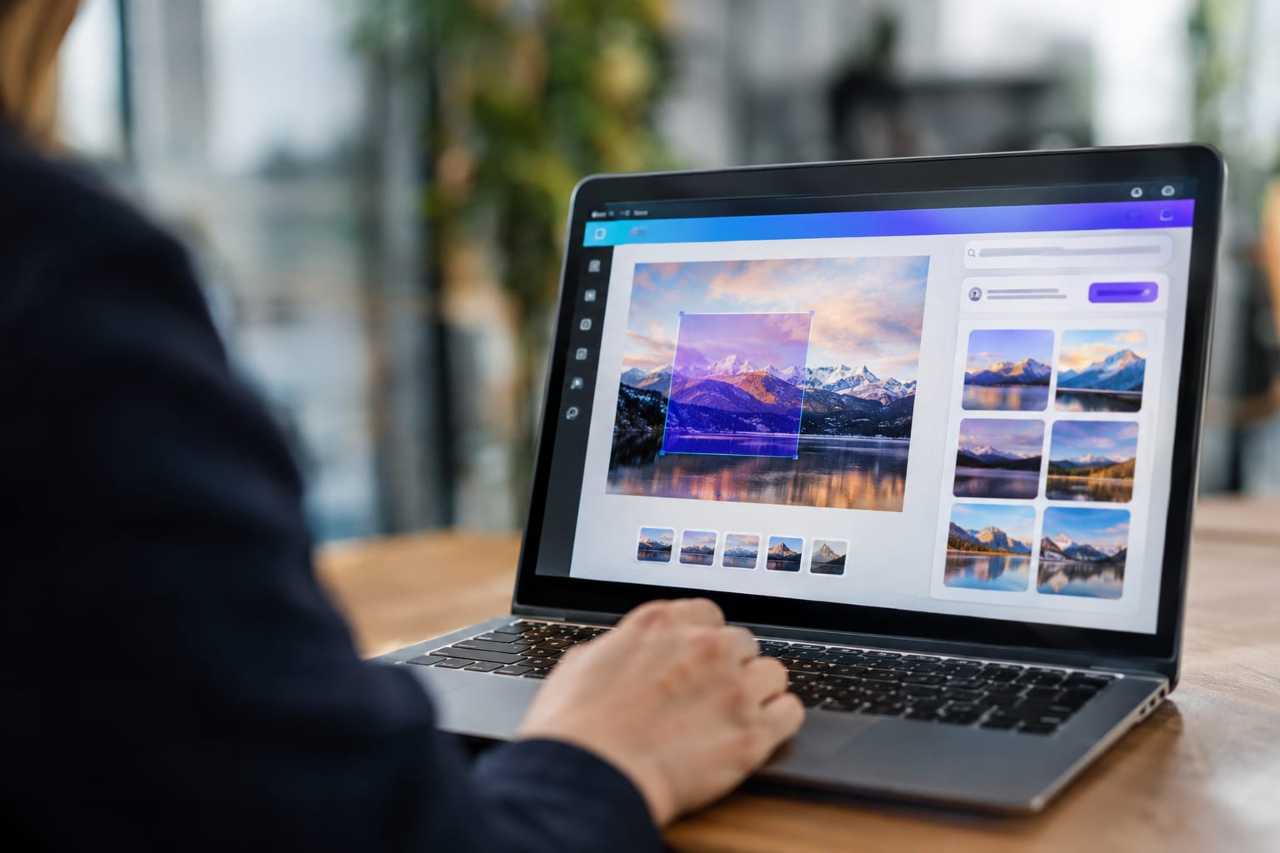
Canva's betting plenty of people feel that way about AI. On Thursday, the online design platform rolled out two new settings that let you opt out of AI entirely. One shuts off AI tools across the whole app. The other filters AI-generated content out of Canva's massive library of templates and design elements.
That's right. A tech company just handed users a kill switch for AI. In 2026. When every other company is trying to shove AI into everything whether you asked for it or not.
Here's what caught my attention
I've been designing things on Canva for years. Simple projects mostly, flyers, social posts, the occasional travel itinerary graphic for one of my trips. And like a lot of people, I've watched AI creep into the toolbar one update at a time. Didn't ask for it. Didn't always want it.
So when I saw Canva's announcement, my first question was simple: why would a company spend years building AI features and then turn around and make it easy to turn them off?
The answer, buried in Canva's own words, is refreshingly honest. They said flat out that AI doesn't suit every task. Not every project needs a machine generating content for it. Sometimes you just want to make your own stuff, your own way.
How it actually works
The settings are live now for free and paid users around the world, though Canva says folks in India, the Philippines and Indonesia aren't getting them yet. Business and team account administrators can also flip these settings for their whole organization, which matters if you're running a company and don't want AI slop sneaking into client work.
Want to turn AI off completely? Go to your Profile, then Settings, then Preferences, and toggle "Enable generative AI features" off.
Just want less AI content cluttering your template library? Head to Profile, then Your Account, then AI Personalization, and switch on "show less AI-generated content."
Two clicks. That's it. No hunting through menus, no corporate runaround.
Why this matters more than it looks like it does
Compare this to what Adobe was doing just last week. Adobe Max, their big annual event, was basically a week-long sales pitch trying to convince designers and creative pros to embrace AI tools. Adobe's own chief technology officer told CNET he thinks the real problem isn't AI itself, it's "slop," meaning low-quality AI content flooding everything.
Maybe. Or maybe people just want the choice. Canva seems to understand that giving users control is worth more than forcing adoption. That's a different philosophy, and I respect it.
I've traveled full-time since 2017, and if there's one thing that experience has taught me, it's that freedom to choose beats being told what's good for you every single time. Doesn't matter if we're talking about where to spend next winter or what tool shows up in your design software. Choice is the thing.
If you still want the AI, it's there
Canva isn't killing its AI tools, just making them optional. If you do want to use them, there's a lot on offer. Their Magic Layers tool lets you take an AI-generated image and break it into editable pieces, which is genuinely useful if you need to fix a weird AI hand or swap out a background. They've also built AI into spreadsheets, documents and presentations over the past year, and Canva says more AI investment is coming.
So nobody's being punished for wanting the tech. You just don't have to use it if it doesn't fit how you work.
What happens next?
CNET says they plan to test how well these settings actually perform, and that's a fair question. A toggle switch is only as good as what it actually filters out. I'd want to see the same thing before trusting it completely.
But the bigger idea here is worth sitting with. As criticism of AI content keeps piling up, Canva's move might be a signal. Maybe the smartest companies won't be the ones chasing every AI trend. Maybe they'll be the ones asking users what they actually want.
What would you turn off if you could?
Source: CNET
If you missed it: McClatchy Just Bet Its Future on AI. What Happens to the Towns It Used to Cover?