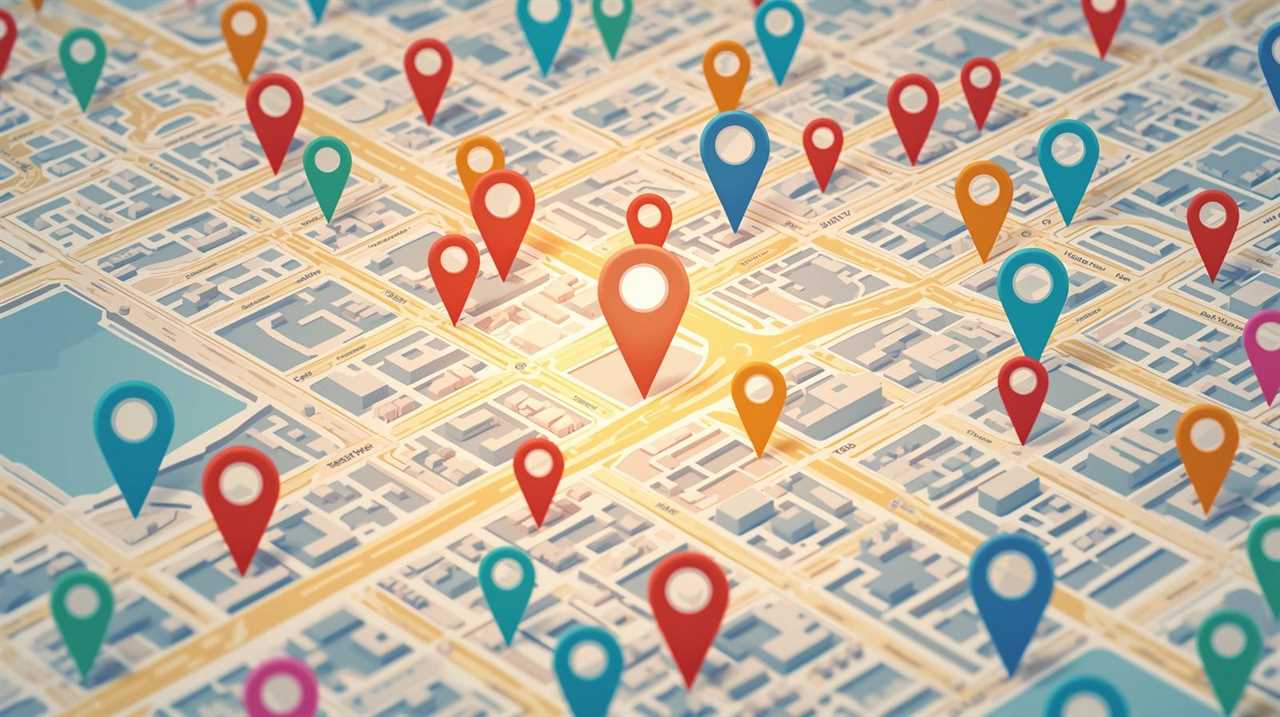
You open your phone, type “[your service] near me,” and wait for that little map with three businesses to appear.
There they are: your competitors. But your own business? Nowhere.
You claimed your Google Business Profile. You added your logo. Maybe you even posted once or twice. Still, you’re invisible when real customers are searching in your area — and it’s starting to feel personal.
If your Google Business Profile is not showing up in local results, even though you feel like you’ve done “the basics,” what is Google actually looking for — and how can you fix it without becoming a full-time SEO nerd?
Why Google Doesn’t Always Show Your Profile
First, a little reality check: Google is not hiding you on purpose.
Almost 46% of all Google searches include a local intent. That means nearly half of the people searching are looking for nearby businesses, products, or services. If Google shows the wrong results, users lose trust — and Google hates that.
So Google leans heavily on three simple ideas:
- Relevance – Do you clearly do what the searcher is looking for?
- Distance – Are you close enough to where they are?
- Prominence – Does the business look trusted, active, and well-known online?
Industry research shows that Google Business Profile signals are now one of the top local ranking factors. If your profile looks thin, inactive, or confusing, Google has less reason to put you in that valuable local pack.
If you want a deeper dive into how this works, the 17 hard-earned lessons for dominating Google Business Profiles is a great “big picture” guide written specifically for small business owners.
Common Reasons Your Profile Doesn’t Show Up
Let’s turn the mystery into a checklist you can actually fix.
1. Your profile is only “half done”
Google wants rich, clear information. Many owners stop after adding a name and phone number.
Check these basics:
- Primary and secondary categories (choose what best fits your main service)
- Detailed business description with your main services
- Services / products listed inside the profile
- Correct hours, website, and booking link
When your profile is thin, it struggles to match real-world searches like “emergency plumber near me” or “chiropractor open now.”
2. Your business details aren’t consistent
Your NAP (Name, Address, Phone) should match across your website and other listings.
One local SEO study noted that 80% of consumers lose trust in businesses with incorrect or inconsistent details.
If Google sees multiple versions of your name or address, it may hesitate to rank you because it’s not sure which one is correct.
3. You don’t have enough trusted reviews
Reviews are not just about making people feel good — they’re a big trust signal.
A recent analysis of survey data found that 83% of consumers use Google to check online reviews about local businesses, and another review of BrightLocal’s research shows 87% of shoppers rely on Google reviews to judge local companies.
If your competitors have 80+ reviews and you have 4, Google has a pretty clear signal about who is more “popular” and reliable.
4. Your profile looks quiet and out of date
Google likes signs of life.
Search behavior data shows that many customers search “near me” when they are close to buying, and “near me now” mobile searches have grown by more than 150% in recent years.
If your photos are old, you never post updates, and you don’t answer questions or respond to reviews, your profile can look abandoned compared to active competitors.
Short Google Posts, fresh photos, and answers to common questions all help show Google (and humans) that your business is alive and paying attention.
A Simple 14-Day Fix-It Plan
You don’t need a year-long project to start seeing movement. Here’s a doable two-week plan.
Days 1–3: Complete your profile
- Fill in every field you can: categories, description, services, hours, and attributes
- Add your website and booking links
- Make sure your address and phone match your website
Days 4–7: Kickstart your reviews
- Make a short script you can say to happy customers:
“Hey, it really helps us show up on Google when people leave a quick review. Would you mind sharing your experience?” - Send follow-up texts or emails with your direct review link
- Reply to every review, even the short ones
Days 8–10: Refresh your visuals and posts
- Upload clear photos: outside, inside, your team, and your work in action
- Publish 2–3 Google Posts:
- A simple offer or promotion
- A FAQ-style post that answers a common customer question
- A behind-the-scenes update or customer story
Days 11–14: Check your progress and plan ahead
- Look at the Insights inside your Google Business Profile
- Note which search phrases people use to find you
- Decide on a simple routine: for example, one new photo per week and one new post per week
If you want more ideas you can put into action fast, the guide on how to rank local businesses in 2 weeks without hacking Google walks through practical steps without getting lost in jargon.
Watch: Extra Tips for Fixing Local Visibility
Here’s a helpful video that explains more ways to fix local visibility problems and make your business easier to find:
Keep Showing Up Where Your Customers Are Looking
You’ve fixed the basics. Your Google Business Profile is filled out, review requests are going out, and you’re starting to see a little more visibility.
But there’s one more honest truth: visibility is not a “set it and forget it” game.
Most small business owners don’t disappear because they’re lazy. They disappear because they’re busy. After a few hectic weeks, posting on Google and social media quietly slips to the bottom of the to-do list. The profile gets quiet again. Competitors keep posting, earn more reviews, and start stealing the “near me” attention you worked to win.
This is where smart automation can protect all the effort you’ve put in. Instead of waking up every week thinking, “What should I post now?”, you can use an automated RSS-powered content system to pull in niche-relevant content, schedule updates, and keep your brand present wherever your customers are scrolling or searching.

Think of it as a steady heartbeat for your marketing: your Google Business Profile, blog, and socials stay active with useful content, while you focus on serving customers and running the business.
If you’d like more simple, real-world ideas like this, explore our SEO tips for small business owners — it’s a growing library of practical guides you can use without hiring a big agency.
You don’t need to “beat” the algorithm. You just need to show up consistently where your best customers are already looking. Fix your profile, keep it alive, and let Google do what it does best: connect local people to the businesses they can trust.